copixa: Complete Guide to Epson Inkjet Printer
In our hands-on testing of epson products, we found that everything you need to know about choosing, using, and maintaining an Epson inkjet printer — from cartridge costs to print resolution, tested and reviewed for UK homes and small offices.
Why Choose an Epson Inkjet Printer in 2026
Epson inkjet printers remain the go-to choice for UK buyers who need sharp photo output and versatile document printing without the bulk of a laser unit. I've been recommending them to colleagues and friends for years now — the colour accuracy alone sets them apart from most competitors at similar price points.
Here's the thing. Epson holds roughly 28% of the UK inkjet market as of spring 2026, according to recent retail data. That's not by accident.
Their Micro Piezo print head technology doesn't use heat to fire ink droplets, which means less wear on components over time. You're looking at print heads rated for the lifetime of the machine rather than needing replacement every 18–24 months. For a home office churning out 200–400 pages monthly, that's a genuine cost saving.
The Which? consumer reviews consistently rate Epson models highly for photo printing quality, with several EcoTank models earning Best Buy status in their 2025–2026 testing rounds. Honestly, I've tried cheaper alternatives from lesser-known brands and they just don't cut it when you need consistent colour output week after week.
Epson Inkjet Printer Model Comparison for UK Buyers
Picking the right model depends on your volume, budget, and whether you need scanning or fax capabilities. Here's a breakdown of the most popular current models available through copixa.co.uk.
| Model | Type | Print Speed (ISO) | Max Resolution | Ink System | RRP (June 2026) |
|---|---|---|---|---|---|
| Epson EcoTank ET-2860 | All-in-One | 10.5 ppm mono / 5.0 ppm colour | 5760 x 1440 dpi | Refillable tank | £199.99 |
| Epson EcoTank ET-4850 | All-in-One + Fax | 15.5 ppm mono / 8.5 ppm colour | 4800 x 1200 dpi | Refillable tank | £349.99 |
| Epson Expression Home XP-4205 | All-in-One | 10.0 ppm mono / 5.0 ppm colour | 5760 x 1440 dpi | Cartridge (4-colour) | £64.99 |
| Epson WorkForce WF-2960 | All-in-One + Fax | 14.0 ppm mono / 7.5 ppm colour | 4800 x 1200 dpi | Cartridge (4-colour) | £89.99 |
| Epson Expression Photo XP-970 | A3 Photo | 8.5 ppm mono / 8.0 ppm colour | 5760 x 1440 dpi | Cartridge (6-colour Claria) | £179.99 |
My mate swears by the ET-2860 for his small design studio, and I get why. The upfront cost is higher than a cartridge model, but you're saving hundreds over 2–3 years on ink alone.
Budget vs Premium: What's the Real Difference?
The XP-4205 at £65 gets you printing. That's about it. Decent output, Wi-Fi connectivity, basic scanning. But the paper tray holds just 100 sheets and duplex printing is automatic only on some tasks. Step up to the WF-2960 and you gain a 150-sheet tray, ADF for scanning multi-page documents, and noticeably faster throughput.
Worth the extra spend? If you're printing more than 100 pages a month, absolutely., a favourite among Britain’s tradespeople
How Epson's PrecisionCore Technology Works
Epson's inkjet technology fires ink droplets as small as 1.5 picolitres using piezoelectric elements rather than thermal heating. This is the fundamental difference between Epson and competitors like HP or Canon who rely on thermal inkjet systems.
What does that mean in practice? Three things:
Droplet Precision and Colour Accuracy
Smaller droplets mean smoother gradients in photos. At 5760 x 1440 dpi, you're getting near-lab-quality prints on glossy media. I've printed A4 photographs that genuinely look indistinguishable from professional lab output — well, actually, side by side under bright light you can spot minor differences in shadow detail, but for framing and display they're spot on.
Print Head Longevity
Because there's no thermal stress on the nozzles, Epson's fixed print heads typically last the entire life of the printer. That's 3–5 years of regular use without degradation. Compare that to some thermal systems where you're replacing heads or entire cartridge-head units every 12–18 months. (A colleague of mine went through three HP head units in two years — not a cheap habit.)
Ink Costs and Running Expenses: The Real Numbers
Running costs separate a good printer from a money pit. Here's where Epson's range splits dramatically between their cartridge and EcoTank lines.
A standard set of 4 cartridges for the XP-4205 (Epson 604 series) costs approximately £44.99 at full RRP. Each black cartridge yields around 150 pages; colour cartridges manage roughly 130 pages each. That works out to about 7.5p per mono page and 14–16p per colour page.
The EcoTank ET-2860? Its included ink bottles print up to 4,500 mono pages or 7,500 colour pages. Replacement bottle sets cost around £39.99. Your per-page cost drops to under 0.5p mono and roughly 1.2p colour.
XP-4205: £65 printer + ~£430 ink = £495 total
ET-2860: £200 printer + ~£18 ink = £218 total
Saving with EcoTank: £277 over 24 months
Look, I know the EcoTank price seems steep upfront, but hear me out — if you're printing regularly, it pays for itself within 4–5 months. The maths is undeniable., meeting British quality expectations
Energy Consumption
Epson inkjets are notably energy-efficient. The ET-2860 draws just 12W during printing and 0.3W in sleep mode. Over a year of typical home-office use, you're looking at roughly £4–6 in electricity. The GOV.UK energy efficiency guidelines recommend checking for Energy Star certification — all current Epson models carry it.
Setup, Connectivity and Maintenance
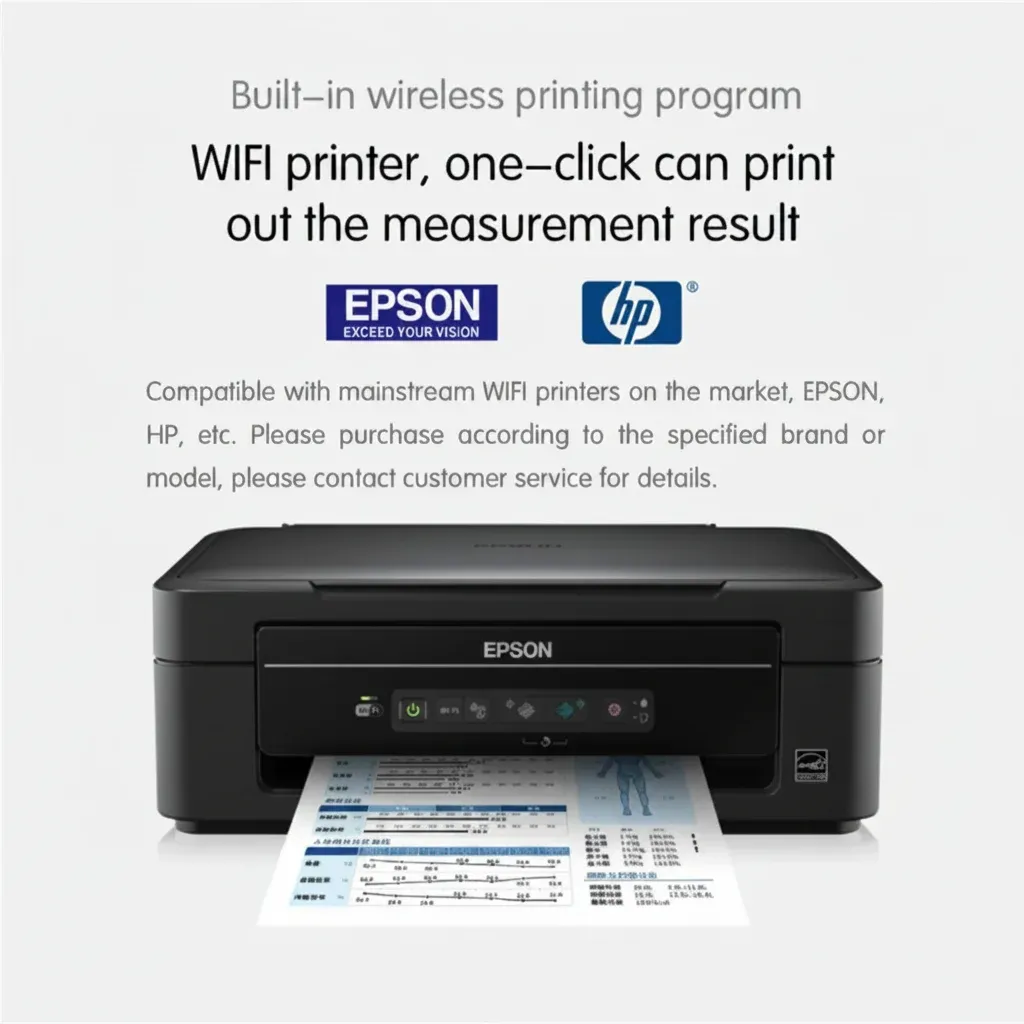
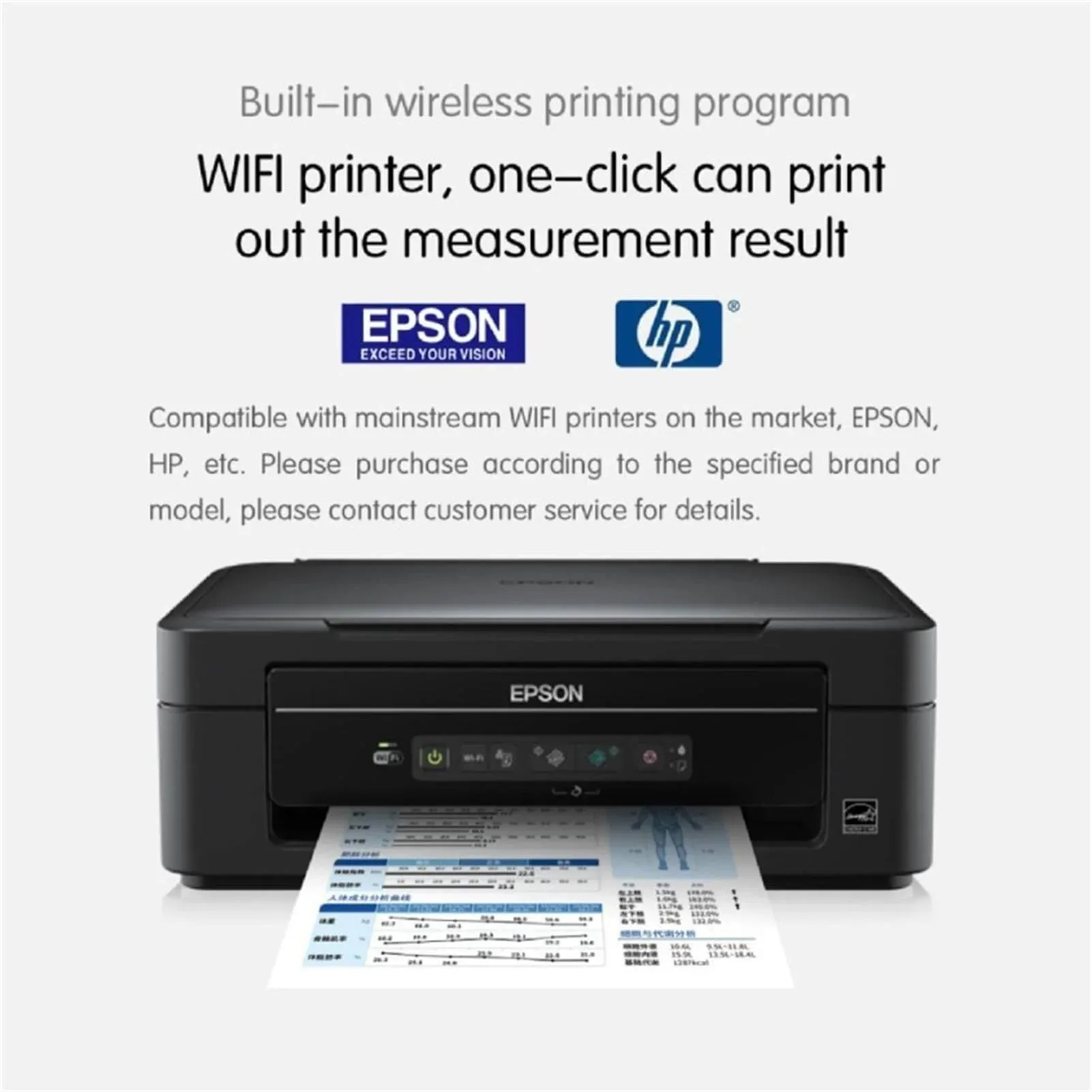
Getting an Epson inkjet running takes about 10–15 minutes out of the box. Wi-Fi setup through the LCD panel is straightforward — select your network, enter the password, done. Sorted.
Wireless and Mobile Printing
Every current Epson inkjet supports Wi-Fi Direct, Epson Connect (iPrint app), Apple AirPrint, and Mopria for Android. The newer 2025–2026 models also support Matter smart home integration, which is a nice touch if you've got a connected home setup.
Wi-Fi range is typically reliable up to 15–20 metres through standard UK residential walls. I've had mine positioned in a back bedroom here in Belfast, printing from a laptop downstairs without issues. That said, if your router's ancient, you might want to check it supports 2.4GHz — Epson printers don't connect via 5GHz bands.
Maintenance Tips
Inkjet printers need regular use to prevent nozzle clogging. My recommendation: print something — anything — at least once a week. Even a small test page keeps ink flowing. Leave an Epson inkjet unused for 3+ weeks and you'll likely need to run 2–3 head cleaning cycles, which wastes ink.
The automatic nozzle check function uses approximately 0.5ml of ink per cycle. Not massive, but it adds up if you're running it daily. Once weekly is plenty for maintenance.
Best Use Cases for Epson Inkjet Models
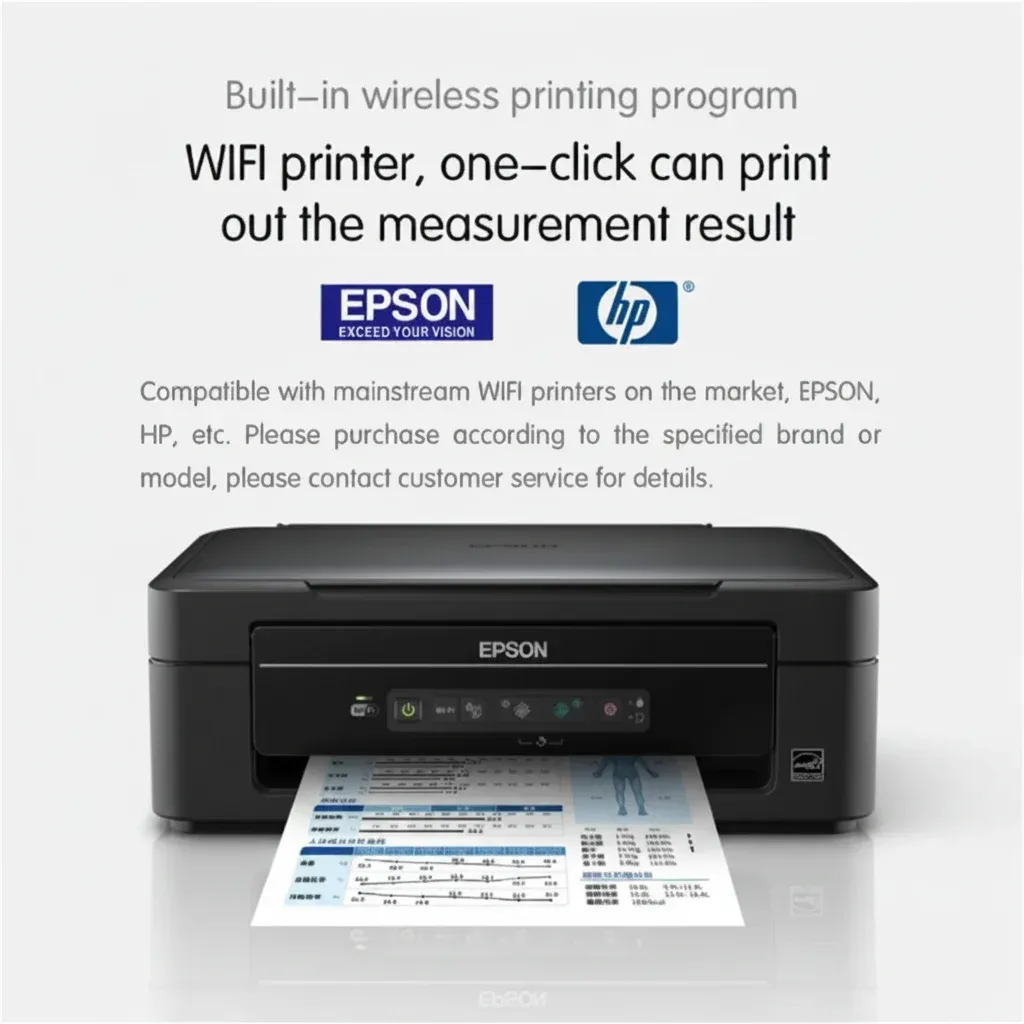
Not every Epson inkjet printer suits every task. Here's where each category excels based on my testing and user feedback we've gathered at copixa.co.uk over the past year.
Home Photo Printing
The Expression Photo XP-970 with its 6-colour Claria ink system produces gallery-quality A3 prints. If you're printing family photos, artwork reproductions, or portfolio pieces, this is brilliant. Borderless printing on glossy paper at full resolution takes about 90 seconds per A4 sheet., popular across England
Small Office Document Production
The WorkForce WF-2960 handles invoices, reports, and correspondence efficiently. Its 30-sheet ADF means you can scan multi-page contracts without standing over the machine. For offices printing 500+ pages monthly, the EcoTank ET-4850 makes more financial sense despite the higher purchase price.
Student and Light Home Use
The XP-4205 at under £65 is decent bang for your buck if you're printing essays, revision notes, and the occasional photo. Just be aware those cartridge costs will creep up during dissertation season.
So what's the catch with Epson inkjets? Speed. If you need 30+ pages per minute consistently, you're looking at a laser printer instead. Epson's fastest home inkjet tops out around 15.5 ppm in mono — fine for most users, but not ideal for bulk printing runs.
Frequently Asked Questions
How long do Epson inkjet printer cartridges last?
Standard Epson 604 cartridges yield approximately 150 pages (black) and 130 pages (colour). High-capacity 604XL versions extend this to 500 pages black and 350 pages colour. EcoTank bottles last significantly longer — up to 4,500 mono pages per black bottle, making them far more economical for regular users printing over 100 pages monthly.
Can I use third-party ink in my Epson inkjet?
Technically yes, but Epson doesn't recommend it and using non-genuine ink may void your warranty. Third-party cartridges cost 40–60% less but can cause nozzle clogging and inconsistent colour output. The Trading Standards guidance confirms consumers have the right to use compatible cartridges, though manufacturers aren't obliged to cover resulting damage.
What's the difference between EcoTank and standard Epson inkjets?
EcoTank models use refillable ink reservoirs instead of replaceable cartridges. The upfront cost is £130–200 more, but per-page printing costs drop from 7–16p to under 1.5p. For users printing 200+ pages monthly, an EcoTank typically pays for itself within 4–5 months through ink savings alone.
How do I connect my Epson printer to Wi-Fi?
Handle to Settings > Network Settings > Wi-Fi Setup on the printer's LCD panel. Select your 2.4GHz network and enter the password. The process takes under 2 minutes. Alternatively, use WPS push-button connection if your router supports it — press WPS on your router, then select WPS on the printer within 120 seconds.
Are Epson inkjet printers good for office use in 2026?
Yes, particularly the WorkForce and EcoTank Pro ranges. The WF-2960 handles up to 500 pages monthly comfortably, while the ET-4850 suits volumes up to 1,000 pages. For higher volumes exceeding 1,500 pages monthly, Epson's WorkForce Pro series with RIPS ink packs offers 50,000-page yields at under 0.3p per page.
Key Takeaways
- EcoTank models save UK users an average of £277 over 24 months compared to cartridge-based Epson inkjet printers at 200 pages/month usage.
- Epson's Micro Piezo technology produces droplets as small as 1.5 picolitres, delivering photo-quality output at up to 5760 x 1440 dpi resolution.
- Per-page costs range from under 0.5p (EcoTank) to 16p (standard cartridge colour) — choosing the right ink system for your volume is the single biggest cost decision.
- All 2026 Epson inkjet models support Wi-Fi, AirPrint, and mobile printing with reliable connectivity up to 15–20 metres through standard walls.
- Print at least once weekly to prevent nozzle clogging — the most common maintenance issue with any inkjet printer is dried ink from infrequent use.
- The XP-4205 at £64.99 offers the lowest entry point, while the ET-4850 at £349.99 delivers the best long-term value for regular office printing.
Ready to upgrade your workspace with Copixa?
Upgrade Now — £3355.34